Free Safe Zone Templates for TikTok, Reels and Shorts
Quick answer
Download a transparent 1080×1920 PNG, drop it on top of your video in any editor, and keep your content inside the dashed rectangle.
Each template shows the unsafe bands in red and the safe rectangle with a dashed line. Margins are Frameguard's measured estimates, not official platform specifications.
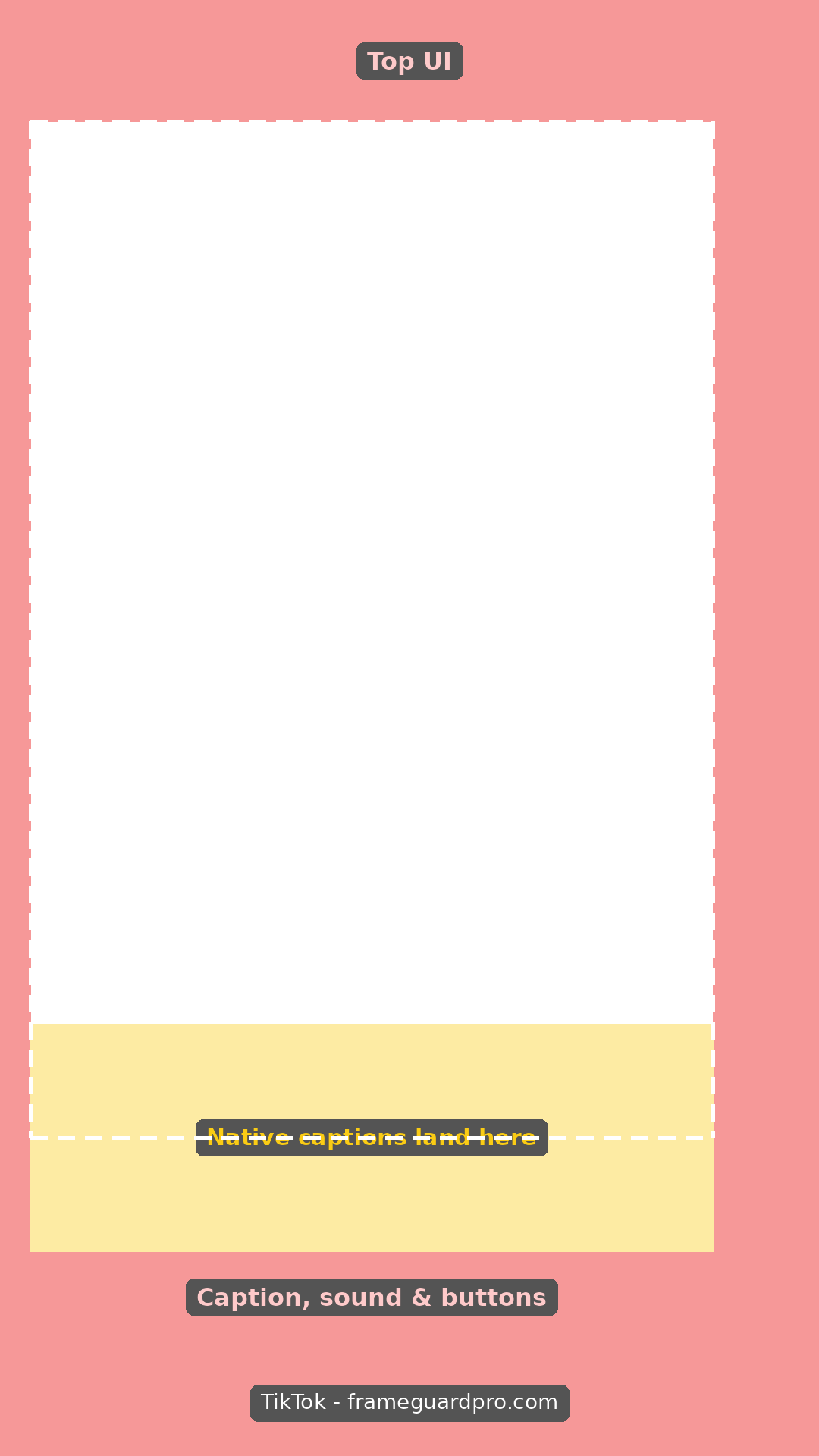
TikTokDownload PNGOpen checker 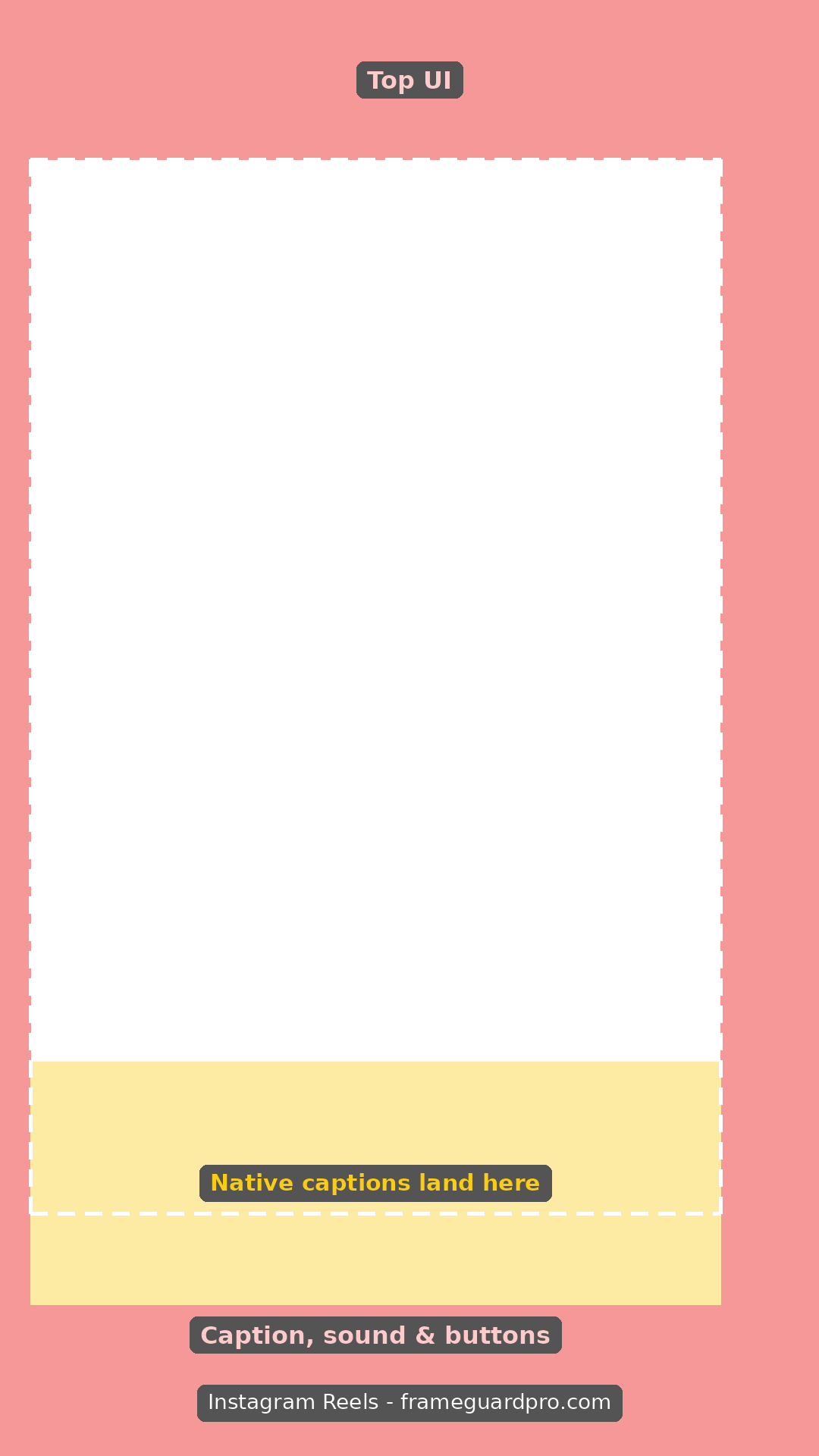
Instagram ReelsDownload PNGOpen checker 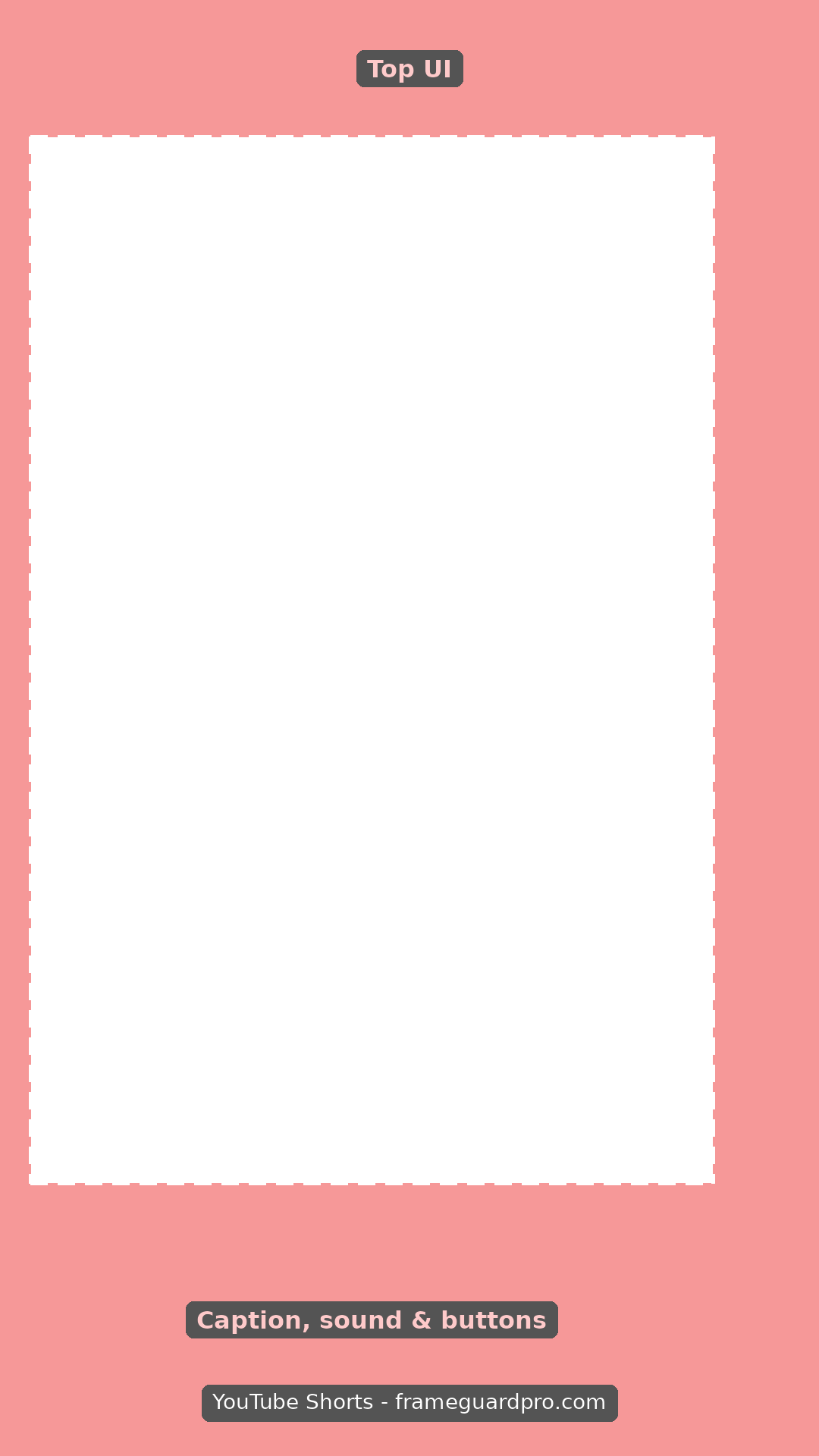
YouTube ShortsDownload PNGOpen checker 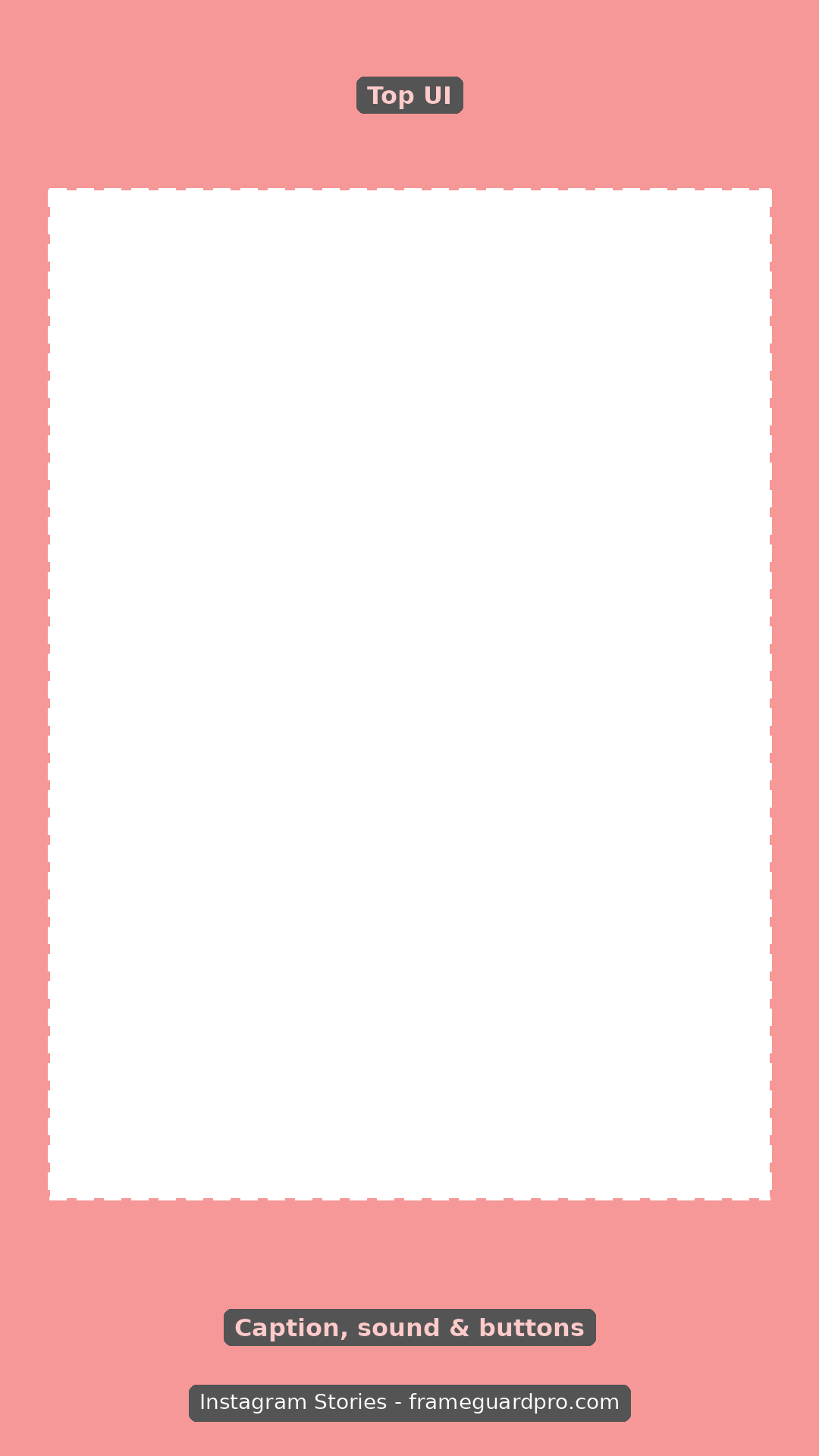
Instagram StoriesDownload PNGOpen checker 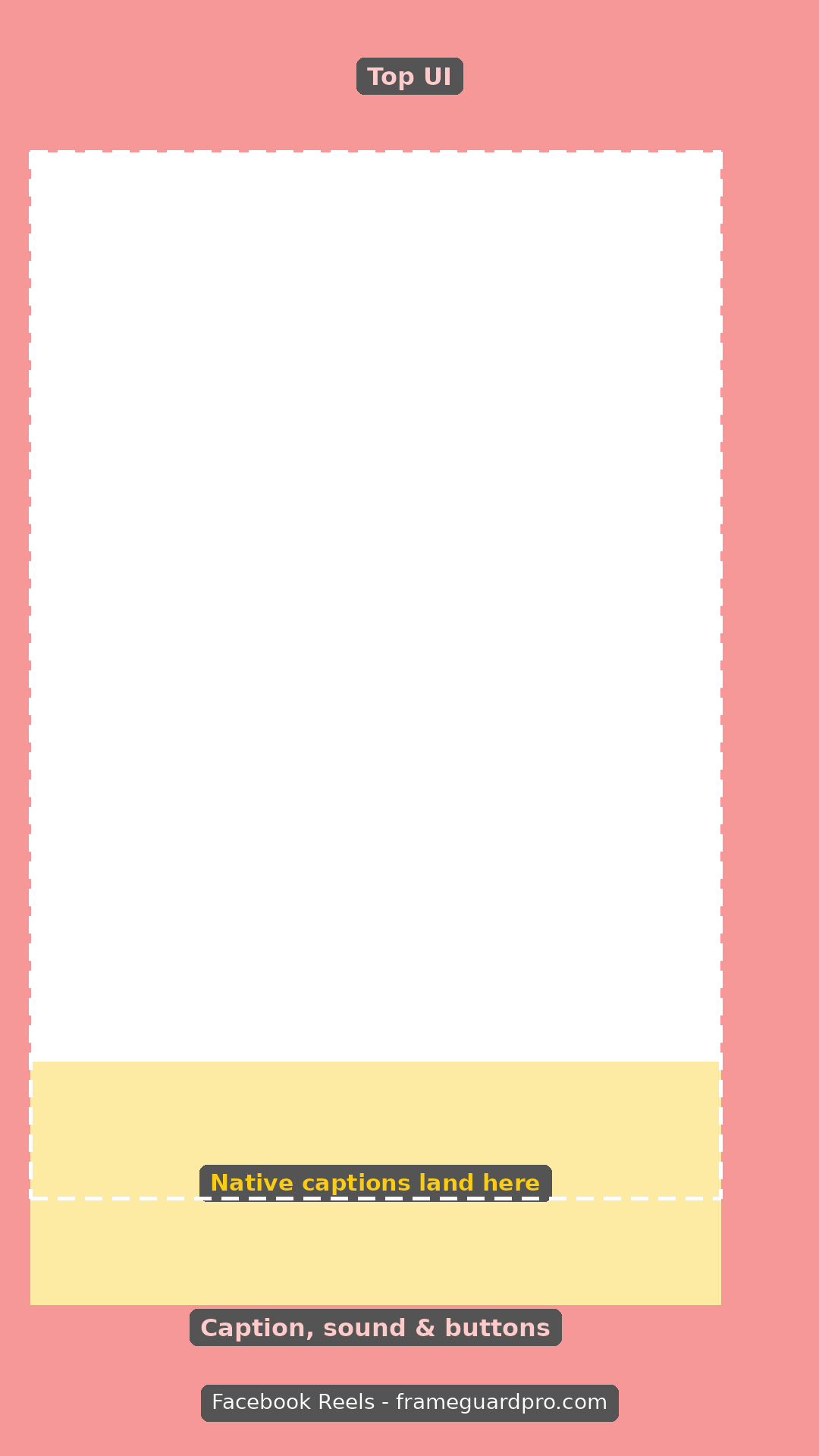
Facebook ReelsDownload PNGOpen checker 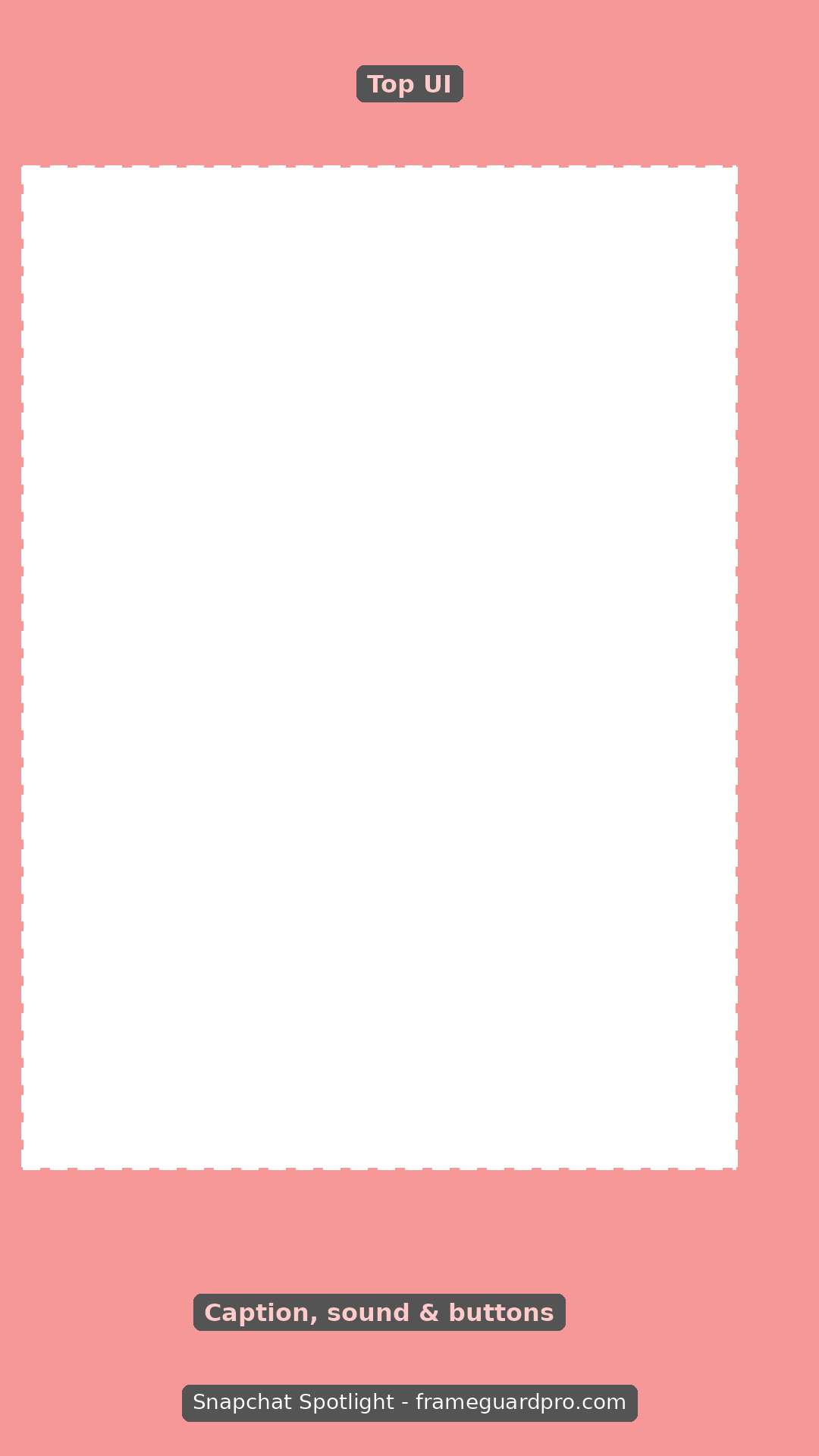
Snapchat SpotlightDownload PNGOpen checker 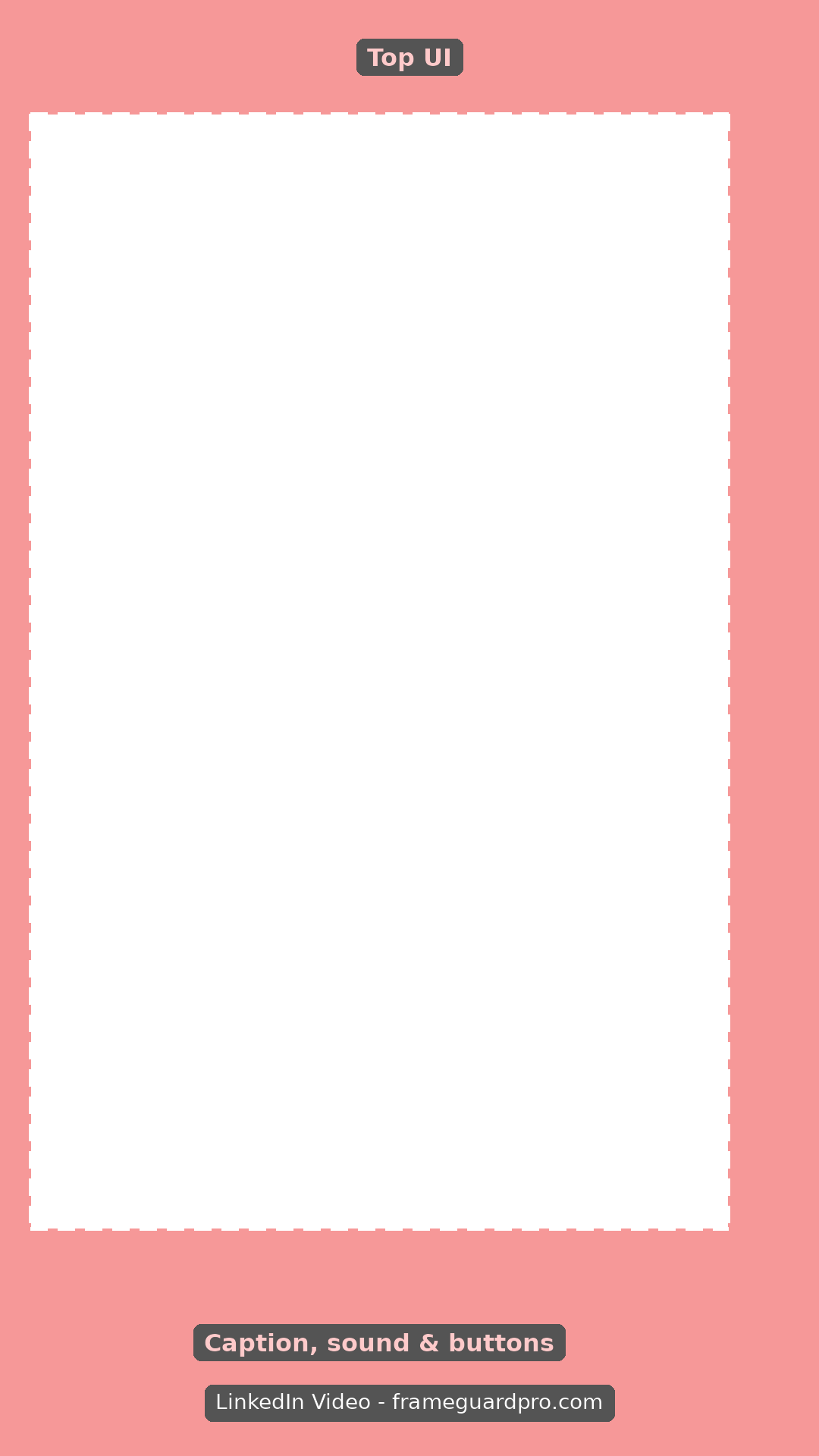
LinkedIn VideoDownload PNGOpen checker
Advertisement
How to use a template
- Import the PNG into your editor as the top layer.
- Arrange titles, faces and logos inside the dashed rectangle.
- Hide or delete the template layer before exporting.
Prefer to see your own video under the overlay? Use the safe zone checker, where you can drop in a file and adjust opacity, crops and position, and then export a PNG.
Advertisement